Journalists and stakeholders skim quickly, and readers expect a visual narrative. Integrating multimedia into your press releases turns static text into a story people can see, hear, and remember. Done well, multimedia boosts pickup rates, improves SEO, and gives reporters the assets they need to cover your news faster.
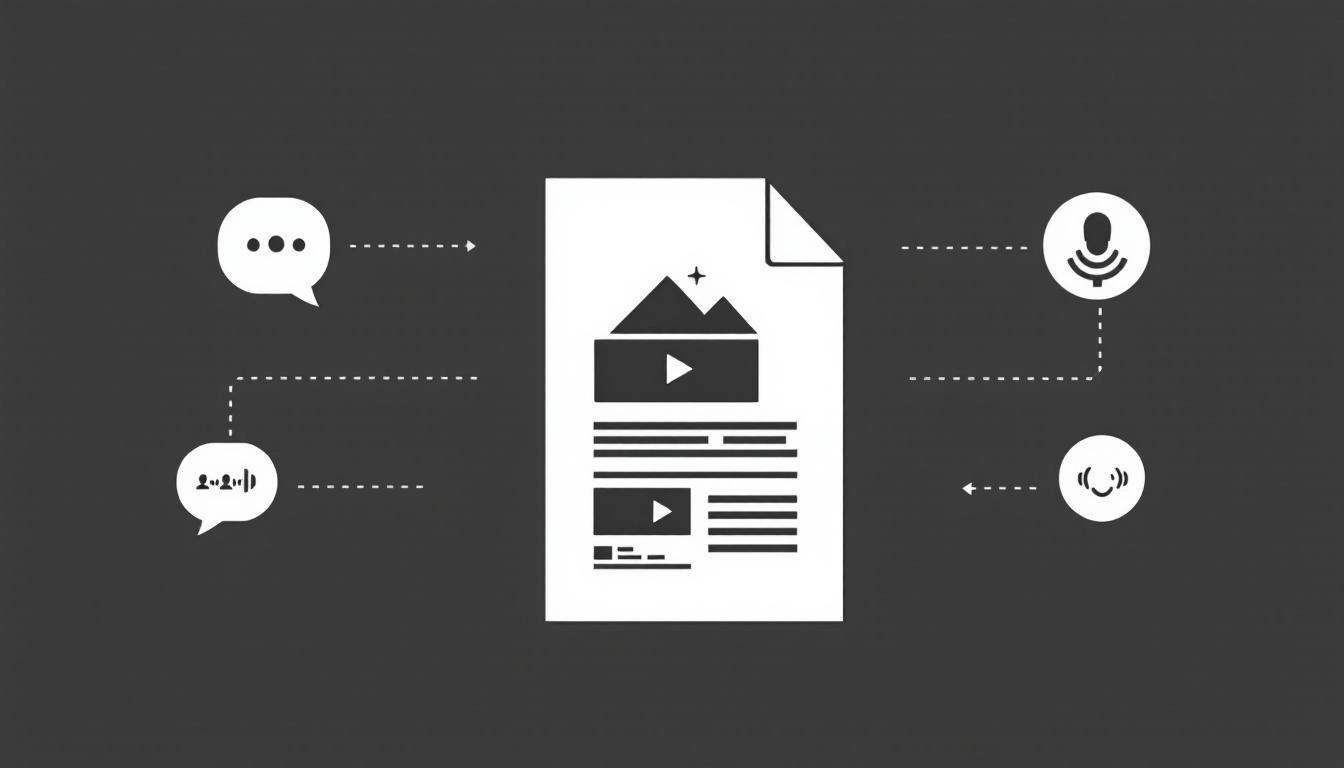
Multimedia helps your announcement land with clarity and context. Images and video increase time on page, which signals quality to search engines. Captions and transcripts add keywords naturally, which improves discovery. For reporters, downloadable visuals, b-roll, and graphics reduce friction, which raises your odds of coverage. For audiences, visuals aid comprehension and retention, especially for product demos, complex data, or impact stories.
If you are scaling your output, consider using AI press release tools to generate drafts and pair them with the right media assets faster, then refine for accuracy and tone before distribution.
Start with your narrative. Decide the one thing you want readers to understand, then map each asset to a specific job. A hero image should convey the core message at a glance. A short video should show the product in use, not restate the headline. A chart should clarify a key data point that would be cumbersome to read in text. When every asset earns its place, your multimedia amplifies the story rather than distracting from it.
Not every release needs every asset. Select what advances understanding and supports journalist workflows. Prioritize quality and clarity over volume, and always include usage rights and credits. Keep visuals on brand but avoid heavy effects that obscure details. Pair each asset with a descriptive caption that adds context, not hype.
Journalists value speed and reliability. Provide assets that are easy to preview online and simple to download. Offer both web friendly and high resolution versions, with clear file names and credits. Use consistent aspect ratios to avoid awkward crops across social and newsroom embeds.
Lead with a strong hero image below the headline to frame the story visually. Embed a short video near the section that explains the product or initiative. Place charts where data is referenced, and recap the key takeaway in the paragraph so the meaning is clear even if the embed fails. Close with a media resources section that links to a gallery and a press kit.
To speed production and keep formatting consistent, you can adapt multimedia press release templates that standardize placements, file specs, and captions. This keeps every release scannable, accessible, and easy to syndicate.
Search engines and social platforms read your metadata. Write descriptive file names, not IMG_1234. Use alt text that states what is in the image and why it matters. Add concise captions with a fact or benefit, not slogans. Ensure your page has complete Open Graph and Twitter Card fields, including the exact image you want shared. Host videos on a reliable platform with captions, then embed, and always include a text summary beneath the player for SEO.
Accessible releases reach more people and signal professionalism. Provide alt text for images that describes the content and function. Include closed captions for video and full transcripts for audio. Avoid text baked into images that cannot be read by screen readers. Ensure sufficient color contrast on infographics, and never rely on color alone to communicate categories or status.
Publish your release on your owned newsroom first, then distribute through your wire or email pitches with links back to the media kit. In your pitch, specify what assets are available and how to use them. Provide a single, stable URL for each asset so reporters can confidently embed or download. Use UTM parameters on media links to understand which channels drive views and pickups.
Track open rates for pitches, click throughs to your newsroom, asset downloads, and video completion. Correlate outlet coverage with the presence of specific visuals to see what drives usage. Monitor search impressions for image and video queries tied to your brand and product terms. Use these insights to refine the mix and placement of assets in future announcements.
Do not dump a gallery of look alike images without a clear hero. Do not embed a three minute talking head when a 45 second demo would perform better. Avoid massive files that stall mobile pages. Do not forget rights, credits, and expiration dates for third party visuals. Never publish multimedia without captions or alt text, and always test embeds before sending the pitch.
Establish a simple, repeatable process that keeps quality high even when timelines are tight.
Multimedia does not replace strong writing. It reinforces it. When every asset has a purpose, is accessible, and is easy to reuse, your press releases travel farther, get cited accurately, and deliver measurable results.
Write your press release for free now with AI using WorldPress Platform.