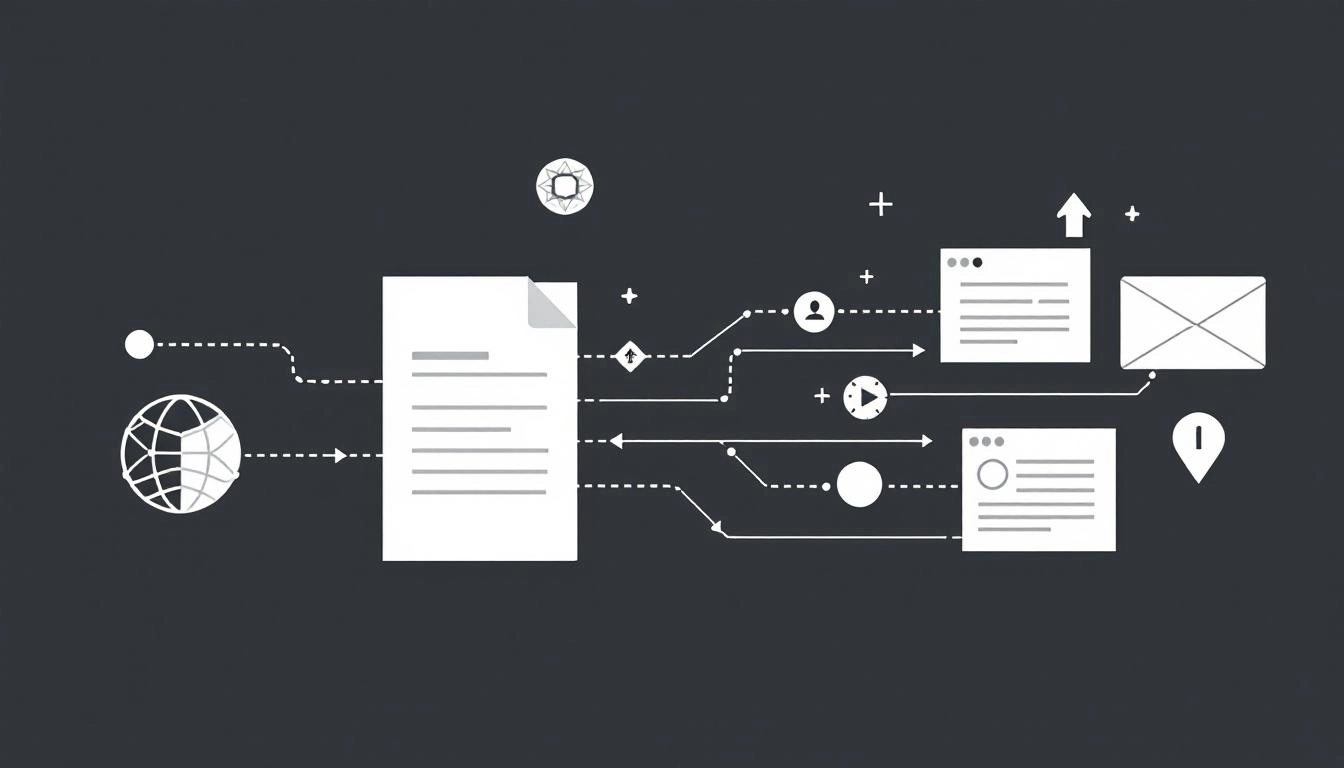
Journalists and stakeholders expect more than text. A modern press release that blends words with visuals, audio, and interactive assets earns more attention, improves understanding, and drives better search visibility. If your releases still ship as copy only, this guide shows you how to integrate multimedia confidently, without complicating your team’s workflow.
Before you choose assets, define the role each one will play. That clarity makes it easier to script voiceover, capture B roll, and brief designers. If you need a faster path from idea to assets, explore AI press release tools that help outline story beats, suggest visuals, and draft captions that are SEO friendly and accessible.
As you structure your media package, plan how reporters will receive, preview, and download it. Centralized hosting with clean filenames, alt text, and transcripts saves editors time. If you want a repeatable setup, lean on multimedia press release templates that standardize formats, links, and credits across your brand.
Think of multimedia as storytelling layers. Your headline and lead carry the core news. Visuals and audio make that news concrete, show scale or impact, and offer ready-to-use assets for coverage. Choose formats that reinforce your narrative, not distract from it.
Start with a one paragraph narrative that explains what happened, why it matters, and who benefits. From there, identify two or three moments that visuals can clarify. For example, a product launch may need a hero image, a 45 second explainer, and a chart that proves demand or performance. Assign owners early for creative, approvals, and compliance so production stays on schedule.
The most common reason multimedia gets ignored is friction. Editors pass on assets that are hard to preview, slow to download, or unclear to credit. Meeting a few baseline specs increases your pickup rate across newsrooms and social channels.
Provide a primary image plus two alternates to fit different layouts. Keep branding consistent and avoid heavy text in images since it reduces reusability.
Offer a short story video plus downloadable B roll. Keep the call to action subtle, since overt marketing language can reduce newsroom use.
Short quotes travel well across radio, podcasts, and social clips. Keep noise floors low and messaging crisp. Provide names, titles, and pronunciations in the notes.
Host primary assets on your newsroom or media kit page, then embed previews inside the press release. Each preview should link to a fast, permanent URL with filenames that describe the content. Offer both streaming and direct download, since many newsrooms prefer local editing. Mirror larger files to a reputable cloud folder, and include a short readme that lists credits, licensing, and checksums for verification.
Multimedia can improve search visibility when you help crawlers understand what the assets contain. Treat every image, video, and audio file as an indexable object with context. Optimized metadata also boosts social previews and increases click through rates.
Accessible multimedia reaches more audiences and reduces legal risk. Provide captions for all videos, alt text for all images, and transcripts for all audio. Avoid flashing content. Ensure color contrast in charts and maps. If you localize the release, localize on screen text, captions, and graphics, not just the body copy.
Clarify who owns each asset and how it can be used. Include license language in the release and in a bundled readme. For AI generated visuals or voice, disclose provenance and obtain explicit approvals. With synthetic media more common, add verification signals where possible, such as original file metadata and watermarked B roll. Clear labeling builds trust with journalists and audiences.
Consistency beats reinvention. A lightweight pipeline helps teams deliver on time and on brand for every announcement.
When you send the release, include a single media kit URL along with one or two inline images so editors can see what they will get. For email, keep attachments small and direct readers to the hosted kit for full resolution files. On social channels, publish the video natively and link back to your newsroom, which gives you both reach and a central source of truth.
Track views on the media kit page, video completion rates, download counts, and how often specific assets appear in coverage. Add UTM parameters to player links and download buttons. Compare outcomes across asset mixes to learn which formats, lengths, and thumbnails drive the most pickup in your sector.
A few pitfalls can sink the best story. Watch for these issues before you hit publish.
Integrating multimedia is not about adding more assets. It is about giving journalists and audiences the clearest path to understand your news. Start small, standardize your specs, and refine based on what gets used in coverage. Your next release will be faster to produce and more effective to distribute.
Write your press release for free now with AI using WorldPress Platform.