How to Integrate Multimedia Into Press Releases for Higher Pickup and SEO Gains
Journalists, investors, and customers expect more than text. When your press release pairs compelling copy with images, video, and data visuals, it becomes easier to understand, easier to share, and more likely to earn coverage. The result is a stronger story, more search visibility, and a newsroom asset you can repurpose across channels.
If you are building a modern newsroom, consider using AI press release tools to plan your narrative, map assets to key messages, and generate captions, alt text, and meta fields quickly.
Teams that ship multimedia efficiently rely on a simple press release distribution workflow that standardizes file specs, embeds, accessibility, and tracking. The process makes every launch smoother and protects your brand consistency.
Why multimedia belongs in a modern release
Multimedia adds context your audience can absorb in seconds. A demo clip reveals product value, a chart clarifies performance, and a founder quote on video humanizes the story. Search engines also favor rich media experiences, which can improve click through and time on page. For reporters, ready to use visuals reduce friction, which raises the odds of pickup.
Choose the right assets for your story
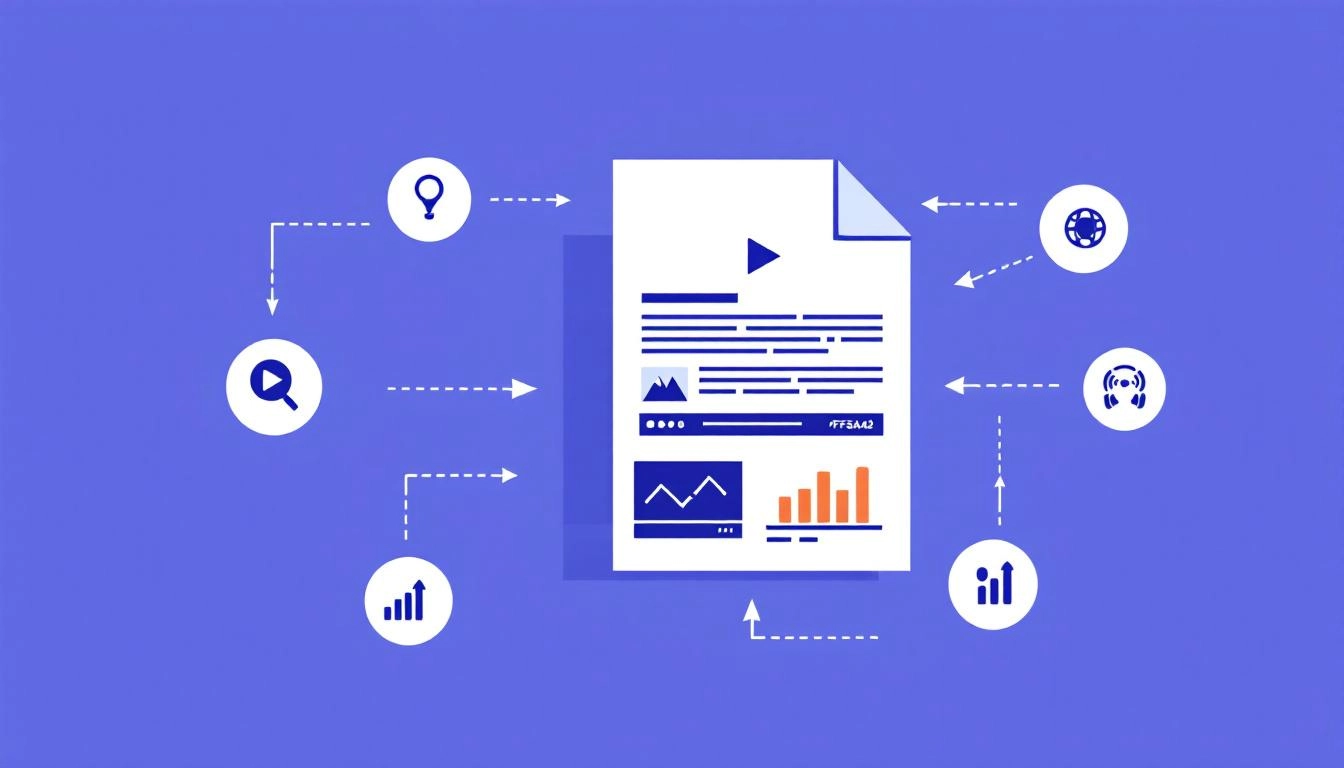
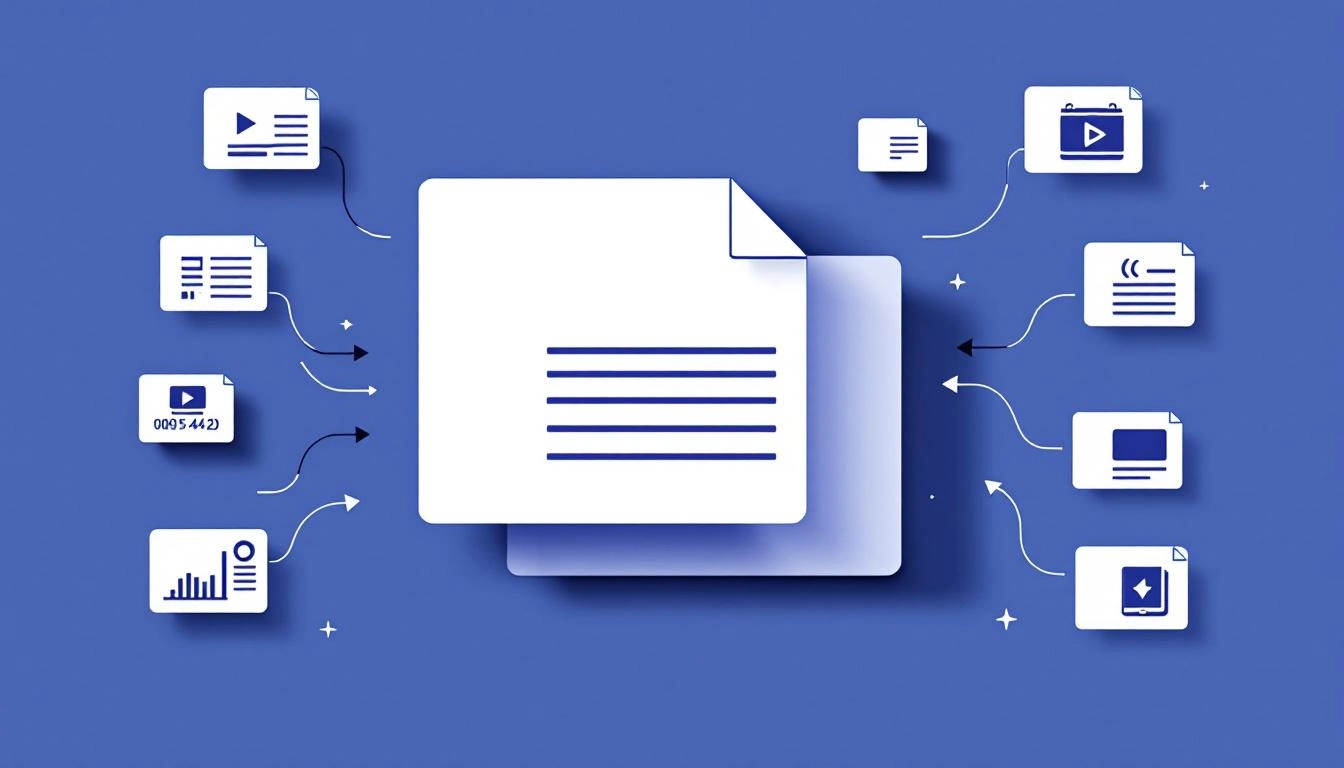
Start with your message, then match assets to the questions your audience will ask. Keep the set tight and purposeful. Every asset should either show the product, prove the claim, or add human context.
- Photos: Editorial style hero image, team shots, product in use.
- Video: 30 to 90 second demo or announcement clip with captions.
- Infographics: One visual that simplifies data or timelines.
- Audio clips: Soundbites from leadership or customers.
- Downloadables: Logo pack and spec sheet in a media kit.
Technical integration essentials
Great assets still fail if they slow the page or break on mobile. Optimize for loading speed, clarity, and embeddability so your release performs on wires, your site, and social.
- Optimize files: Compress images to WebP or JPEG, keep hero images under 250 KB when possible, export video in MP4 H.264 with adaptive sizes.
- Use descriptive filenames: productname-feature-hero.jpg helps search and newsroom editors.
- Provide multiple sizes: Horizontal 16:9 for video stills and social, square 1:1 where relevant, vertical 4:5 optional for mobile feeds.
- Offer embed and download: Provide on page embeds with player controls, include a separate link to a high resolution download.
- Host smart: Use a fast CDN to serve assets, then lazy load below the fold for speed.
Accessibility and brand safety
Accessible multimedia broadens reach and reduces legal risk. It also helps SEO, since well structured descriptions and captions signal relevance to search engines.
- Alt text and captions: Write concise, descriptive alt text and closed captions or transcripts for every video and audio clip.
- Readable graphics: Ensure strong color contrast, legible fonts, and labels baked into the image.
- Controls on embeds: No autoplay with sound, include pause and volume controls.
- Rights and releases: Clear licensing for images, music, and fonts, plus model or property releases when needed.
SEO checklist for multimedia releases
Treat every asset as a search signal. A few structured moves can help you earn image or video visibility in search, while improving click through from social shares.
- Structured data: Mark up the page with NewsArticle, ImageObject, and VideoObject schema where applicable.
- Captions and descriptions: Use keyword aware, human readable copy, avoid stuffing.
- Open Graph and Twitter Cards: Set og:image, og:video, and descriptions for clean social previews.
- XML sitemaps: Include images and videos in your news or general sitemaps.
- Page speed: Compress, lazy load, and defer non critical scripts.
Distribution and channel adaptation
Different channels have different limits. Your core release should live on your site, then adapt to wire services, email, and social with minimal rework. Provide a clear asset gallery, a single media kit download, and captions that can be copied into posts. For email, embed a thumbnail linked to the video page rather than embedding the video itself. For social, prepare cutdowns with platform native aspect ratios and short captions.
Measurement that proves value
Decide in advance how multimedia success will be judged. Track both reach and behavior. Camera ready assets should reduce reporter back and forth, lift time on page, and drive downstream actions such as demo requests.
- UTM parameters: Tag links in the release and in the media kit to attribute traffic and conversions.
- Engagement metrics: Video play rate and completion, image click through, gallery interactions.
- Coverage quality: Percentage of earned stories that used your provided assets, headline match to your key message.
- A or B tests: Thumbnails, hero image choices, and caption variants.
A practical workflow you can repeat
A lightweight process keeps teams aligned and ensures every release ships with clean, on brand multimedia.
- Brief and storyboard: Define the headline, audience questions, and which asset answers each question.
- Create and clear: Produce assets, write captions and alt text, secure approvals and rights.
- Build and QA: Assemble the page in your CMS, validate schema, test load speed and mobile embeds.
- Distribute and adapt: Publish to your newsroom, send to wires, prepare social and email versions.
- Measure and iterate: Review metrics, save learnings in a template for the next release.
Common mistakes to avoid
Small missteps can undermine a great story. A short preflight check prevents them.
- Oversized files that slow the page and hurt SEO.
- Autoplay video with sound that annoys visitors.
- Too many visuals that distract from the news.
- Burying the lead visual below the fold.
- Broken or gated downloads that block journalists.
Example layout for a multimedia press release
Structure your page so the most important proof appears immediately. Keep copy scannable, and make downloads obvious for editors on deadline.
- Headline and subhead that state the news and value clearly.
- Lead visual above the fold, with caption and credit.
- First paragraph that answers what, who, why it matters.
- Quotes and data supported by an infographic or short clip.
- Asset gallery and media kit with clear filenames and credits.
Integrated thoughtfully, multimedia turns your press release into a complete story package that editors can run as is and audiences can grasp instantly. Build a repeatable workflow, enforce a tight asset checklist, and your next announcement will travel further with less effort.
Write your press release for free now with AI using WorldPress Platform.