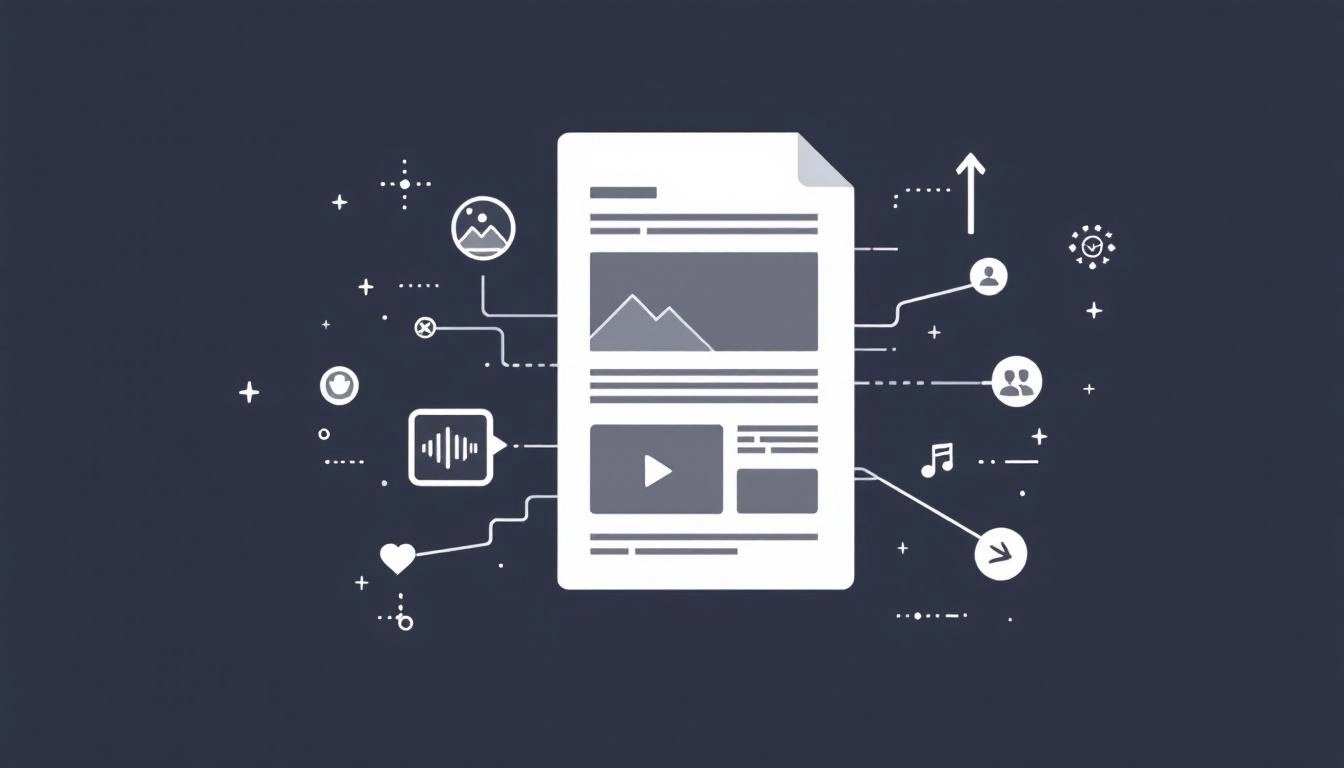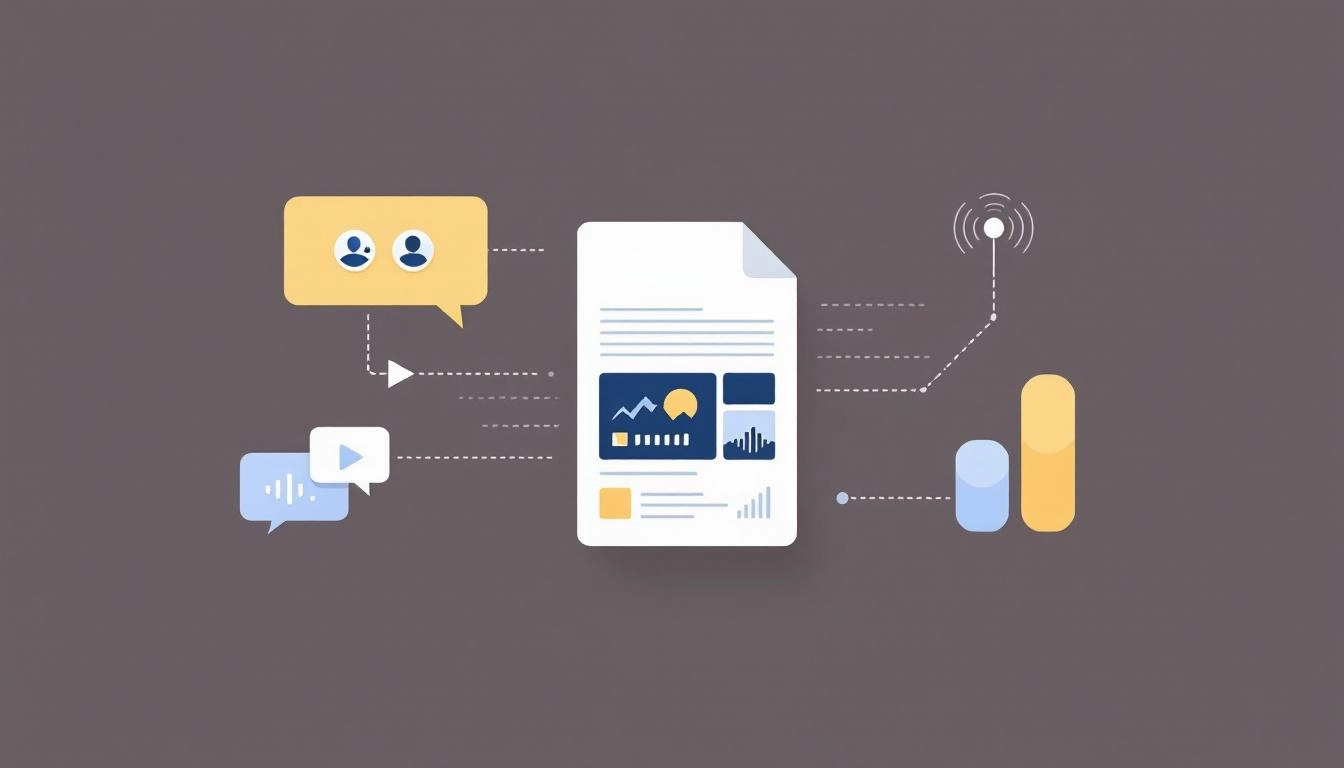
Journalists and audiences skim fast, and stories with compelling visuals get noticed first. A modern press release that includes images, short video, audio, graphics, and downloadable assets gives reporters everything they need to publish quickly, while boosting your visibility in search and social. Use the guidance below to plan, produce, and package multimedia that lifts your next announcement with less friction and more measurable impact.
Multimedia turns facts into a story readers can experience. High quality visuals increase recall, make complex ideas easier to understand, and improve time on page. For reporters, having pre-cleared assets, captions, and credits speeds time to coverage, which increases your pickup window. Teams that use AI press release tools can also accelerate image variants, caption drafts, and metadata without sacrificing accuracy.
Beyond attention, multimedia strengthens credibility. A short product demo video or a data visualization gives editors confidence that your claim is real. These assets also expand your reach across channels, since each file can be repurposed for owned media, social snippets, and investor communications.
Start with the storyline, then select the formats that prove the story. If you are announcing a product, the hero is often a crisp photo and a 30 to 60 second demo. If you are sharing research, lead with a chart or infographic and a quote from your analyst. For community or impact news, consider short testimonial clips or ambient audio that humanizes the outcome. The goal is to create a coherent package, not a collage of unrelated files.
Images work best for product clarity and editorial use. Provide at least one horizontal hero image and one clean background option. Include photographer credit and usage permissions. Add descriptive alt text and a caption that tells the reader what to notice.
Video drives engagement when it is short, captioned, and purposeful. Keep it under one minute for the primary embed, with optional longer B-roll for editors. Use an on-brand thumbnail that reads at small sizes. Provide captions in SRT format and a transcript for accessibility.
Audio complements executive quotes or scene setting. A 15 to 30 second soundbite can be embedded and also offered as a downloadable clip. Always include speaker name, title, and a clean transcript.
Infographics and charts are ideal for research and performance updates. Make them legible on mobile, avoid dense text, and provide the underlying data source in the caption.
Editors value speed and reliability. Host assets on a fast CDN. Use widely compatible formats, such as JPG or PNG for images, MP4 H.264 for video, and MP3 for audio. Keep primary image sizes between 1200 and 2400 pixels on the long edge. Offer a smaller web version and a high resolution download. Compress intelligently to balance quality and load time.
Name files clearly with keywords, for example company-product-hero.jpg, not IMG_0023.jpg. Include a simple rights note in the caption, such as Courtesy of Company, licensed for editorial use. Prepare a one page usage guide in your press kit that lists credits, embargo rules, and contact info for urgent requests.
Accessible assets expand reach and reduce legal risk. Every image needs alt text that explains the content and function. Every video needs captions and a transcript. Avoid text baked into images, or provide the same text in HTML. Ensure color contrast meets accessibility standards, and never rely on color alone to convey meaning in charts. If your video includes background music, keep levels low so speech is clear.
Give every file a keyword rich filename and a concise, human friendly title. Write SEO friendly captions that include brand, product, and use case terms. Add structured data for videos and images when possible, include duration, description, and thumbnail. Configure Open Graph and Twitter Card tags so platforms render the correct preview image, title, and description. This helps your press release gain visibility beyond the initial distribution.
Place a hero image near the top to anchor the story. Embed the primary video in the body where it reinforces the key claim. Offer a clean download link to a press kit that includes everything an editor needs. If you publish releases frequently, build a repeatable content automation workflow to keep formatting consistent and reduce manual effort.
Keep your kit simple and editorial friendly. Include only what accelerates publishing and attribution.
Most wire services accept links to hosted media and some accept attachments with size limits. When in doubt, host on your newsroom and link clearly to a media page with fast downloads. If you use YouTube or Vimeo for embedding, disable auto play with sound, choose a clean thumbnail, and provide a direct download for newsrooms that prefer local editing. Track all links with UTM parameters so you can attribute engagement back to outlets and channels.
Look beyond vanity views. Track press pickup, image downloads, video completion rate, social shares, referral traffic to your site, and time on page for the release. Compare performance across asset types to learn which formats move the needle for your audience. Feed insights back into your next planning cycle, reduce assets that do not earn attention, and double down on those that do.
Small production choices have big downstream effects. Watch for these avoidable issues that frustrate editors and audiences.
Two to three weeks before launch, outline the story, define the primary visual, and create scripts or shot lists. One to two weeks out, produce assets, draft captions and alt text, and prepare your press kit. Three to five days out, finalize hosting, test embeds on mobile and desktop, and QC file names and metadata. On launch day, publish the release, verify social previews, and share the media page with key reporters. After launch, monitor performance and document lessons for the next announcement.
Putting multimedia at the center of your press release strategy makes it easier for journalists to say yes and for audiences to remember your news. With thoughtful planning, lightweight technical standards, and a reusable workflow, your team can deliver richer stories in less time.
Write your press release for free now with AI using WorldPress Platform.